Internet in Australia: eSIM, SIM, Roaming or Portable WiFi?
Maps, rideshare pickups and booking messages make mobile data useful from the moment you land. Compare four practical options by setup, group size, local-number needs and coverage.

This article contains affiliate links. If you buy through them, we may earn a commission at no extra cost to you.
Choose by what you need the connection to do
Sydney and central Cairns have strong everyday mobile service, but Australia is large and city coverage says little about a rainforest road, national park or long intercity journey. Start with your itinerary rather than the cheapest headline price.
- Will you need data immediately at the arrival airport?
- Does your phone support eSIM and is it carrier-unlocked?
- Do you need an Australian phone number for calls or SMS?
- Will you share data with a laptop, tablet or travel companion?
- Which mobile network serves the regional places on your route?
Download essential bookings and the first transfer instructions before departure. A saved hotel address and screenshot remain useful even when activation takes longer than expected.
eSIM, local SIM, roaming and portable WiFi compared
| Option | Works best when | Main checks |
|---|---|---|
| International roaming | You want to keep your number and avoid setup | Daily fee, data allowance and covered networks |
| Travel eSIM | You have an unlocked compatible phone and mainly need data | Serving network, tethering, activation and fair-use limits |
| Australian prepaid eSIM or SIM | You need a local number or a longer stay | Identity verification, plan expiry and coverage |
| Portable WiFi hotspot | Several devices stay together most of the day | Battery, delivery, return, network and separation risk |
No category is automatically best. A solo traveller with an eSIM phone has different needs from a family carrying tablets, and a city weekend has different coverage risks from a regional road trip.
If a separate hotspot fits your group, you can compare GlocalMe portable WiFi hotspots. The linked store sells devices rather than an Australia airport rental, so include the hardware price, data package and delivery destination in your comparison.
International roaming: least setup
Roaming keeps your existing SIM and phone number active. It is the simplest option when your home carrier offers a clear daily pack or included Australia allowance at a price you accept.
Advantages
- No new SIM profile or collection point
- Your usual number can remain available for calls and SMS
- Service may begin automatically after landing
Check before departure
- Whether a daily charge starts after any data use
- The included data and speed after the allowance
- Incoming-call and voicemail charges
- Which Australian partner network is used
Turn off automatic app updates and cloud photo uploads if the allowance is small. If you keep a second travel data line, confirm which SIM handles mobile data and which remains active for calls.
Travel eSIM: convenient data without a physical card
A travel eSIM is delivered digitally and can usually be installed before departure. It suits a compatible unlocked phone when you mainly need maps, messages, web access and app bookings.
For an Australia-specific plan, the first affiliate option we would compare is the Holafly Australia eSIM. Its English product page lets you choose the trip length and currently presents unlimited data; hotspot sharing has separate limits, so confirm the current fair-use and tethering terms for your dates.
Advantages
- No airport counter or postal delivery
- Your physical home SIM can stay in the phone
- Plans are available for different trip lengths and data needs
Check before paying
- Device and regional eSIM compatibility
- The Australian network used by the plan
- Whether it is data-only or includes calls and SMS
- Whether tethering is permitted
- When validity starts and how a day is counted
- Any speed cap or fair-use restriction behind an “unlimited” claim
Install the profile while you still have reliable WiFi, but follow the provider’s activation timing. Save the QR code, installation instructions and support contact somewhere accessible offline.
Check Holafly Australia eSIM plansAustralian prepaid eSIM or SIM: useful for a local number
A prepaid service from an Australian carrier can provide local calls, SMS and data. Telstra, Optus and Vodafone are the main consumer brands; smaller brands use one of Australia’s underlying mobile networks.
Telstra prepaid eSIM and Optus prepaid eSIM can be activated digitally on compatible devices. Carrier pages show changing promotional prices, so compare the standard recharge, expiry and inclusions—not only the first purchase.
What to prepare
- An unlocked compatible phone
- An accepted identity document, such as an international passport
- WiFi for an online eSIM download when required
- The carrier app or activation page
A physical SIM can still make sense if your phone has no eSIM support. Store the home SIM safely and confirm whether changing it affects two-factor authentication or messaging apps.
Portable WiFi: one connection for several devices
A portable WiFi hotspot creates a small shared network for phones, tablets and laptops. It can suit a family or work trip when the group stays together.
Advantages
- Several devices can use one data plan
- Devices without SIM support can connect by WiFi
- No changes are required to each traveller’s phone plan
Trade-offs
- The hotspot needs charging and becomes another item to carry
- Everyone loses the connection when the group separates
- Rental delivery and return locations may not suit every country
- Coverage still depends on the mobile network inside the device
Check whether the product is a rental or a device purchase, which countries it can be delivered to, the return deadline, battery life, device limit and the exact Australia data plan. “Global” branding does not guarantee coverage everywhere.
Coverage matters beyond Sydney and Cairns CBD
We used mobile data for maps, rideshare pickups and booking messages in both cities, but regional travel needs more preparation. Rainforest, mountain and highway coverage can differ from the centre of town.

The Australian Communications and Media Authority requires mobile providers to publish standardised 4G and 5G coverage maps using good, moderate, basic and no-coverage categories. These maps are predictive, so terrain, buildings, congestion and the device can still affect the result.
Before a regional day trip, check the serving carrier’s current map for the exact route. The ACMA explains the standardised Australian coverage-map rules. Do not assume that a travel eSIM uses the network with the best map for your destination.
Set up a backup before landing
- Save your accommodation address and airport-transfer instructions offline
- Install the provider app and profile before departure when instructed
- Know how to select the data SIM and enable data roaming for that line
- Keep the original SIM, QR code and support details safe
- Download offline map areas for the first destination
- Carry a charging cable or power bank for long days
The first connection matters most at the airport. If you choose the Australia eSIM from Holafly, install it on reliable WiFi before departure and keep its activation instructions offline. Our Sydney and Cairns transfer guides show where mobile data helps with train, taxi and rideshare decisions.
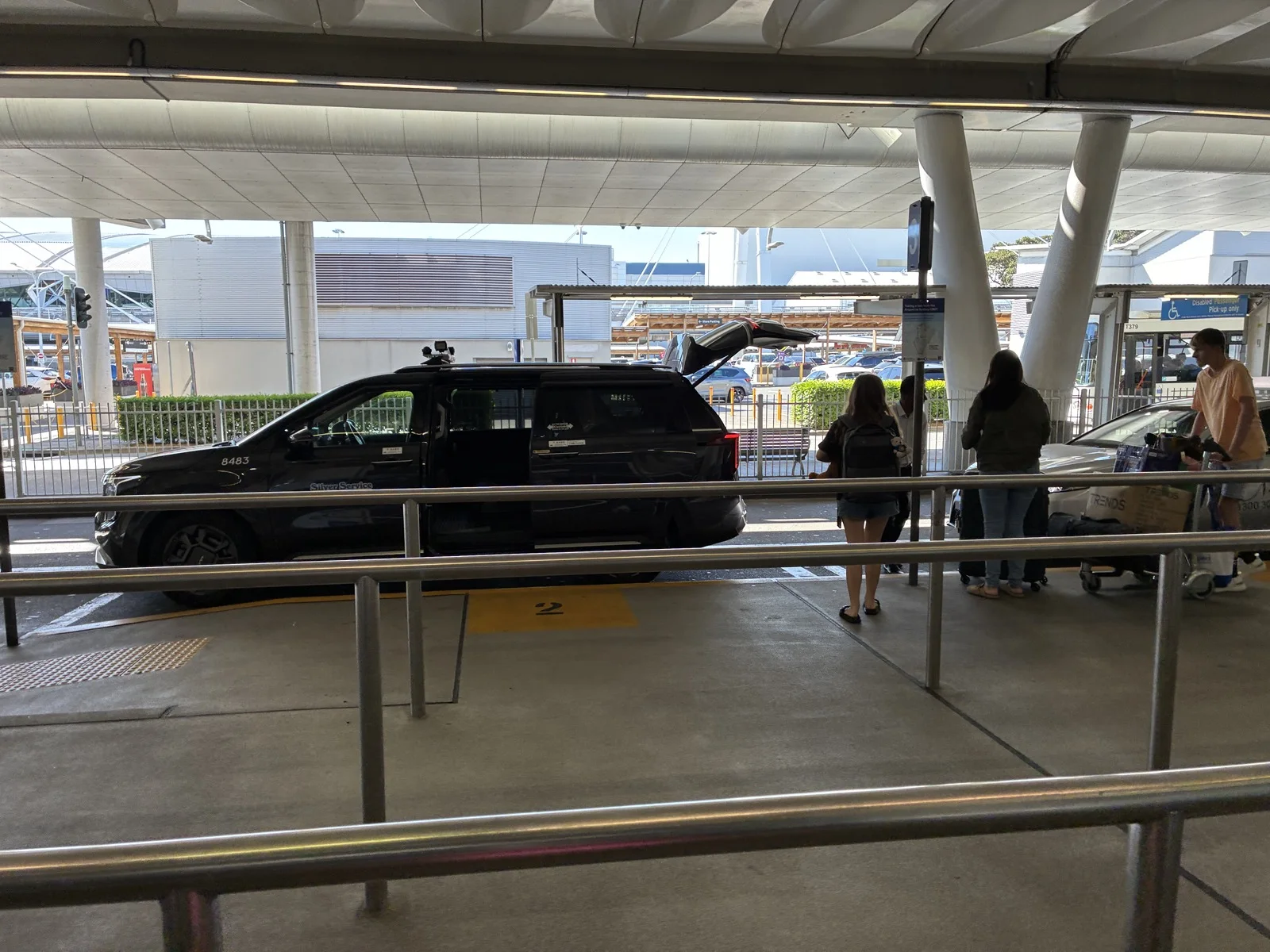
In Cairns, transport choices differ because there is no passenger train from the airport terminal.
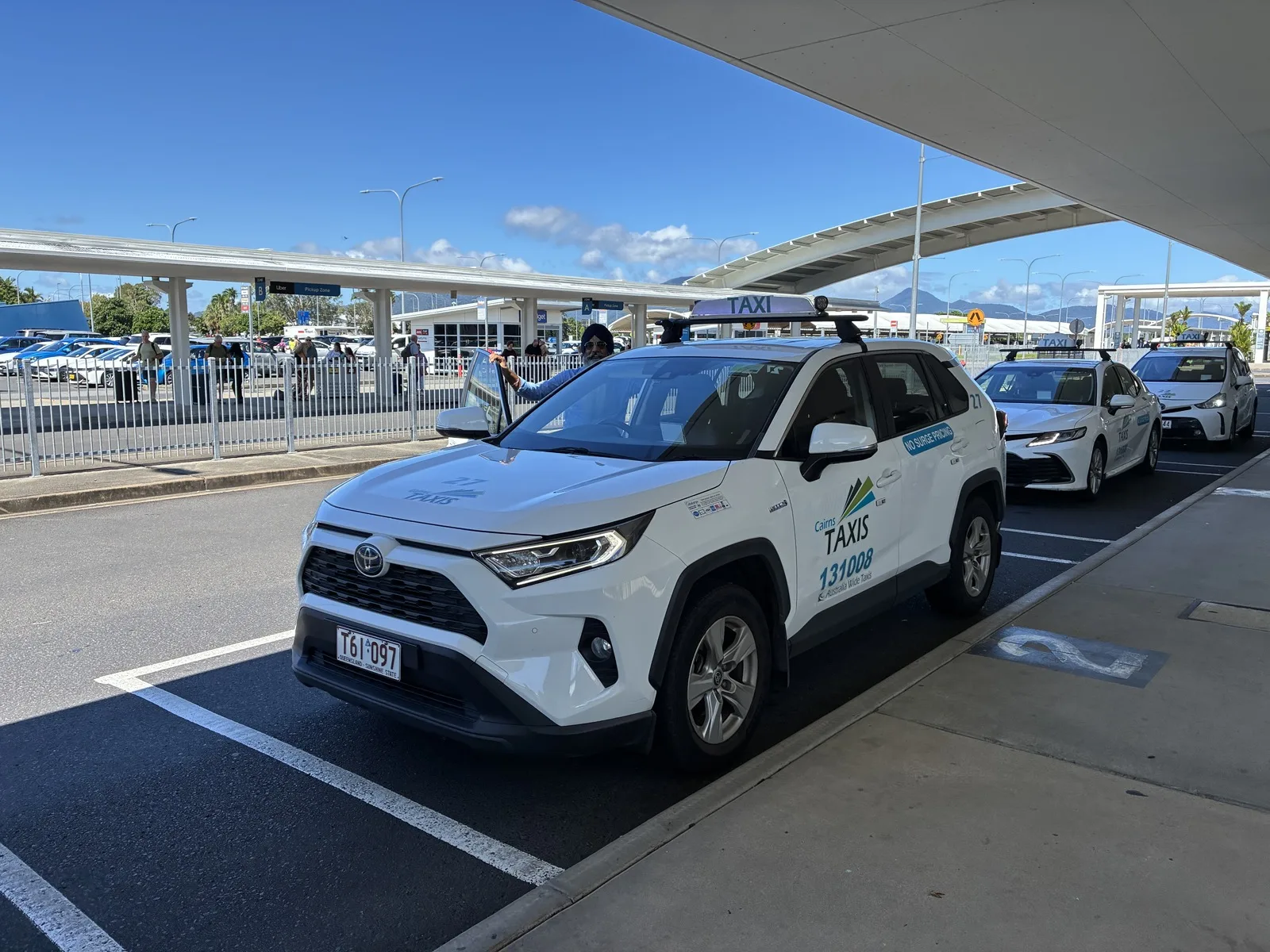
Add connectivity to the full pre-departure checklist
Activate mobile data only after passport, entry, insurance and payment backups are settled. The Australia travel checklist keeps those decisions in a practical order.
Frequently asked questions
What is the easiest way to get internet in Australia?
International roaming needs the least setup when the cost is acceptable. An eSIM is convenient for an unlocked compatible phone, while an Australian prepaid service helps when you need a local number.
Do I need an Australian phone number?
Not for ordinary web data, but local calls, SMS or some services may make one useful. Many travel eSIMs are data-only.
Can I share an eSIM connection?
Only when the plan permits tethering and the phone supports it. Check the terms before purchase.
Will mobile data work everywhere?
No. Check the serving network’s coverage map for regional roads, parks and day-trip destinations, and keep key information offline.
Summary
Choose roaming for minimum setup, a travel eSIM for convenient data, an Australian prepaid service for a local number, or portable WiFi when several devices stay together. The right choice depends on the trip, not one universal ranking.
Confirm device compatibility, activation, tethering, fair-use terms and the actual serving network before you pay. Then save the first day’s essentials offline.